Create and Edit a Holiday Template
This feature is for SA, ML, MA, CA
Watch (about 1 min 20 s):
A holiday template is the list of public holidays and term breaks for a country and year. Sessions are never created on those dates, and every centre that uses the template follows it.
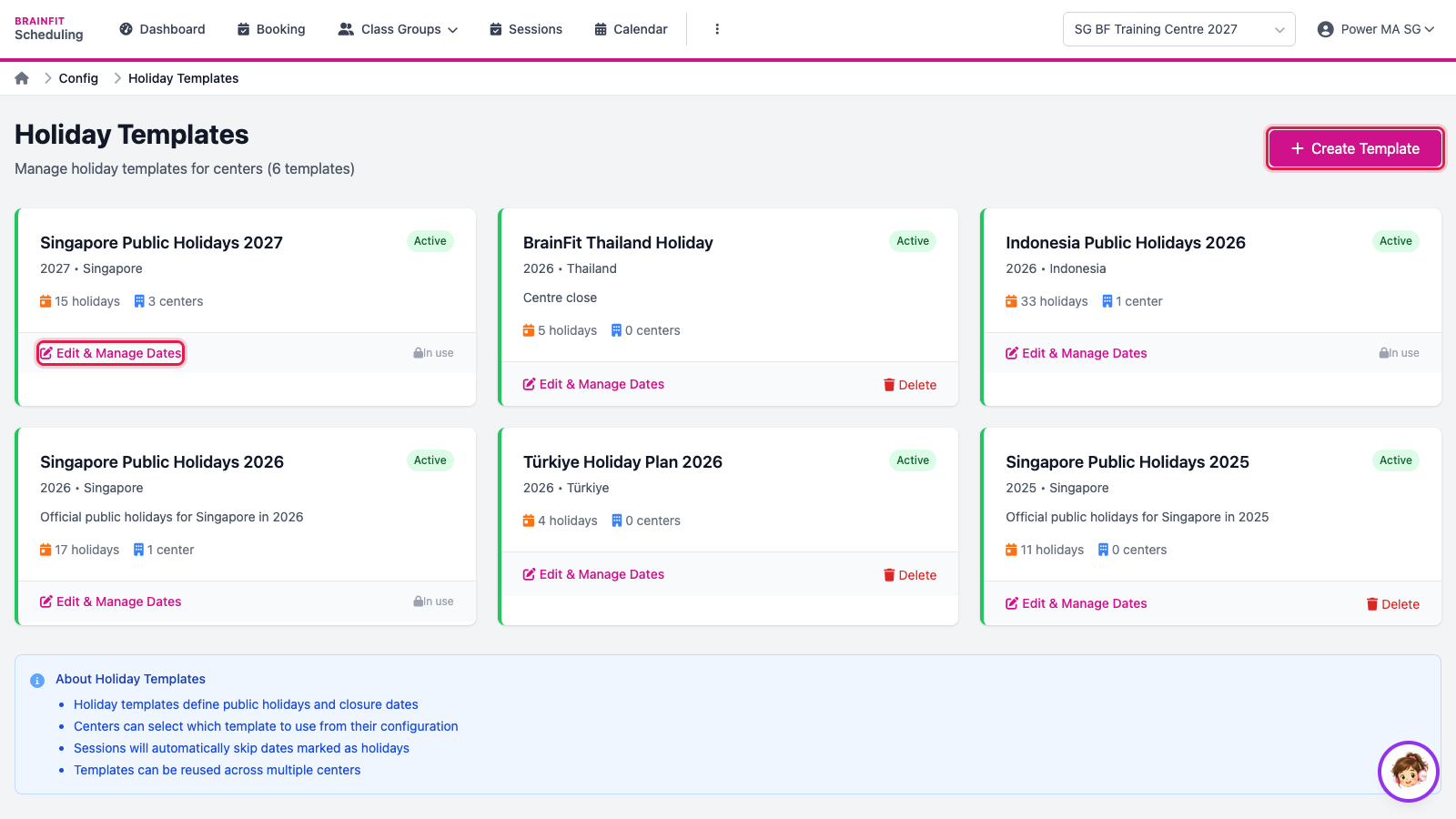
- In BrainFit Scheduling, open ⋮ → Holiday Templates. Each card shows a template, how many holidays it has and how many centres use it. Click Create Template for a new one, or Edit & Manage Dates to change one.
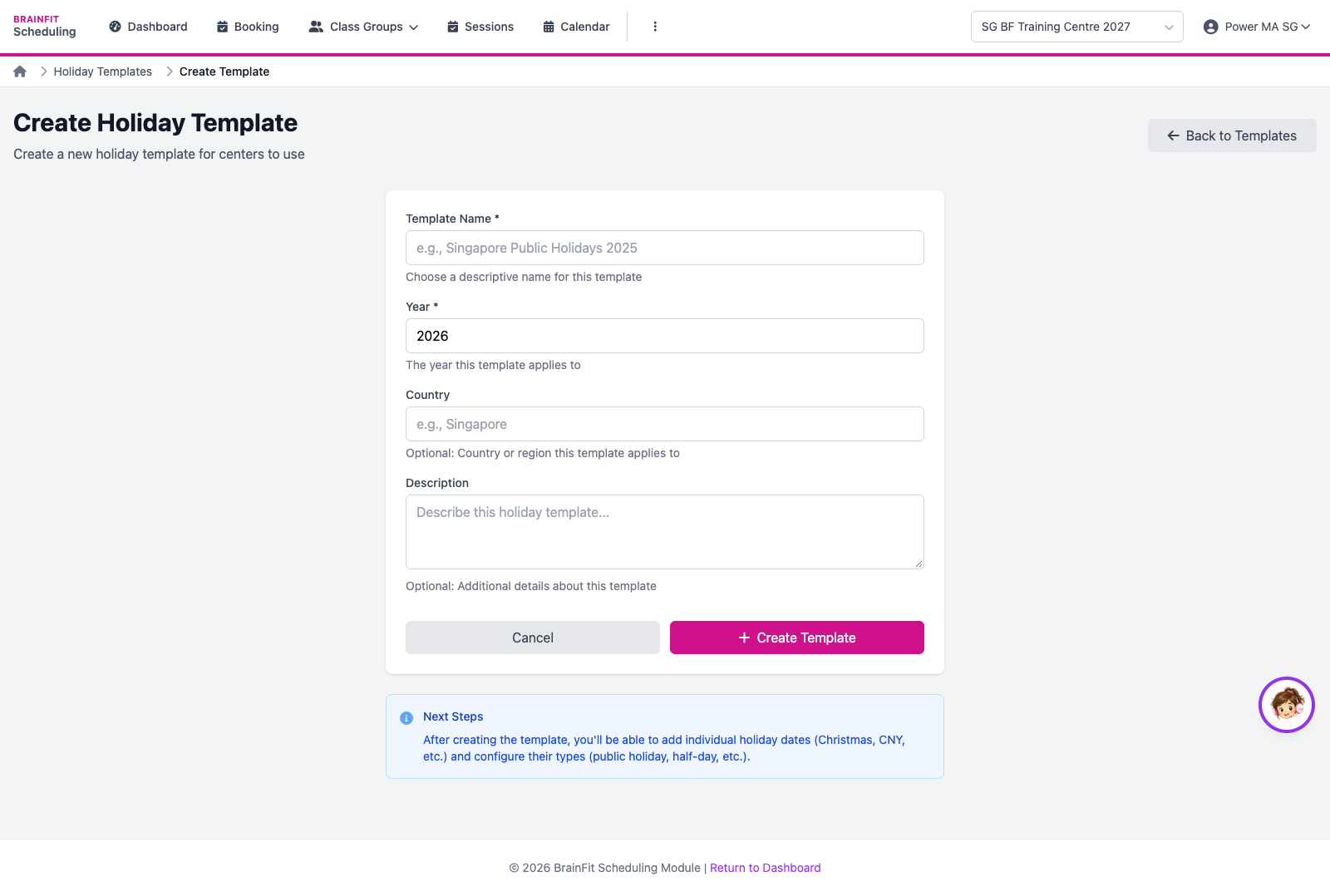
- For a new template, enter the Name (for example Singapore Public Holidays 2028), Year, Country and a description, then Create Template.
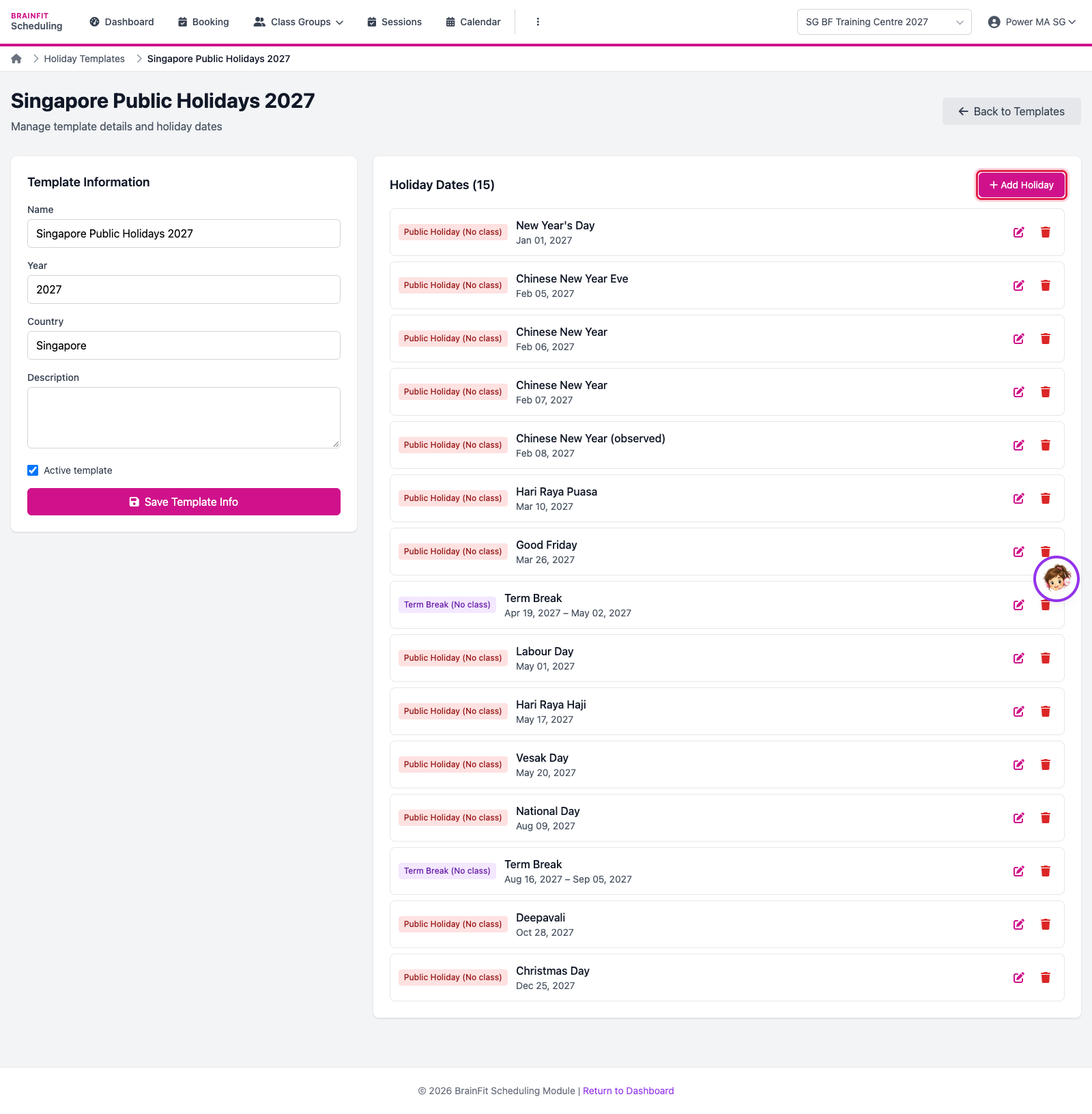
- The template page lists its dates: public holidays (no class) and term breaks (a date range). Click Add Holiday to add one; the pencil and bin edit or remove a date.
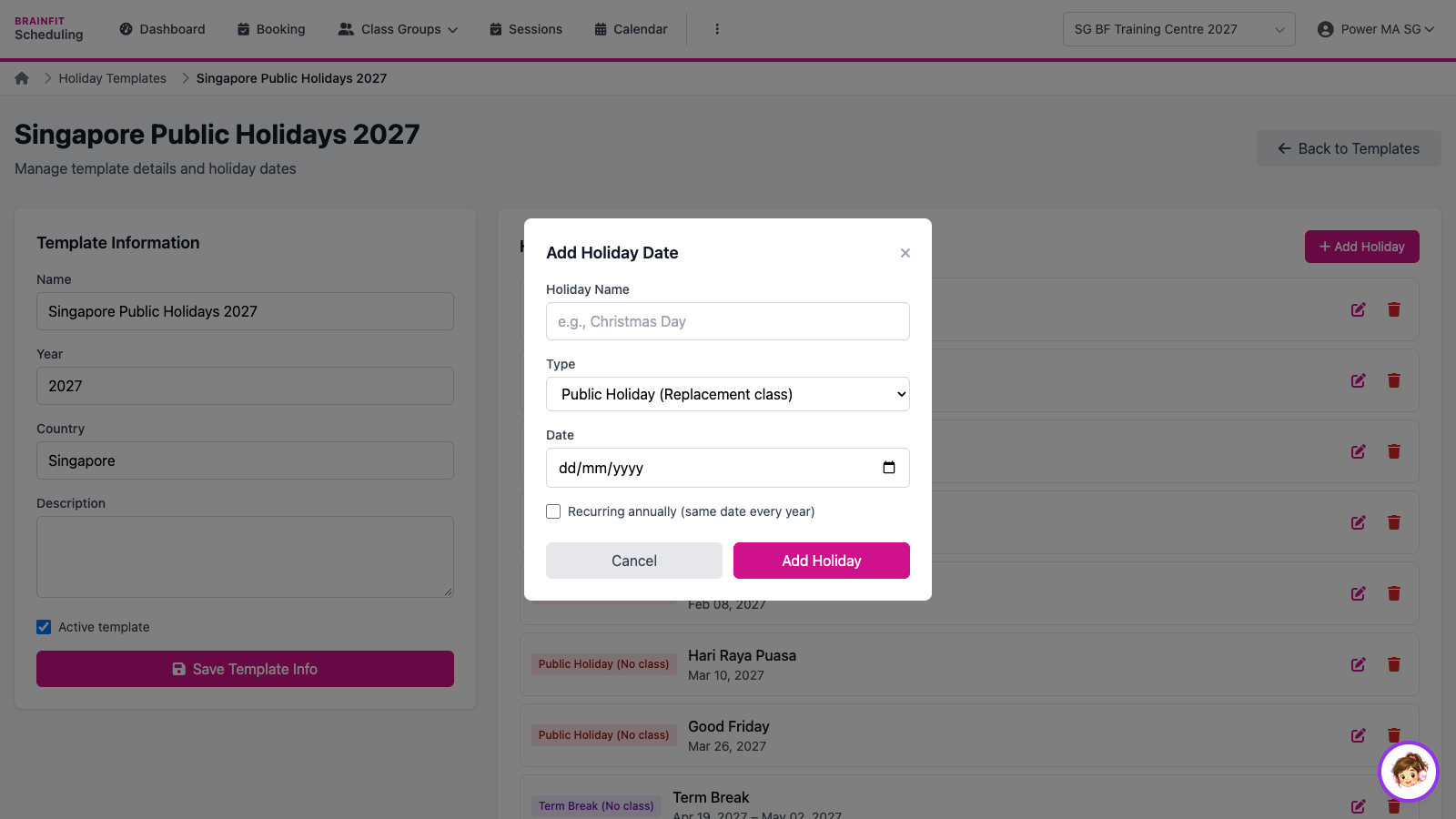
- Enter the holiday's Name, Type (public holiday, replacement class, term break…) and Date (tick Recurring for a fixed date every year), then Add Holiday.
Note: the training centre uses Singapore Public Holidays 2027. Adding a date to a template affects every centre that uses it, so practise only on a template made for practice.